
See your bookings in the Google Calendar you already use
Connect Google Calendar so your SkedEz appointments appear next to your personal events, and give online appointments a Google Meet link without copying anything by hand.
Free plan available • Start booking today.

Every booking in the calendar you already check
Each booking appears in your Google Calendar next to your personal plans. You see the whole day on your phone without opening another app or copying anything across.
- Bookings visible in Google Calendar
- Nothing to copy by hand
- Your whole day in one view
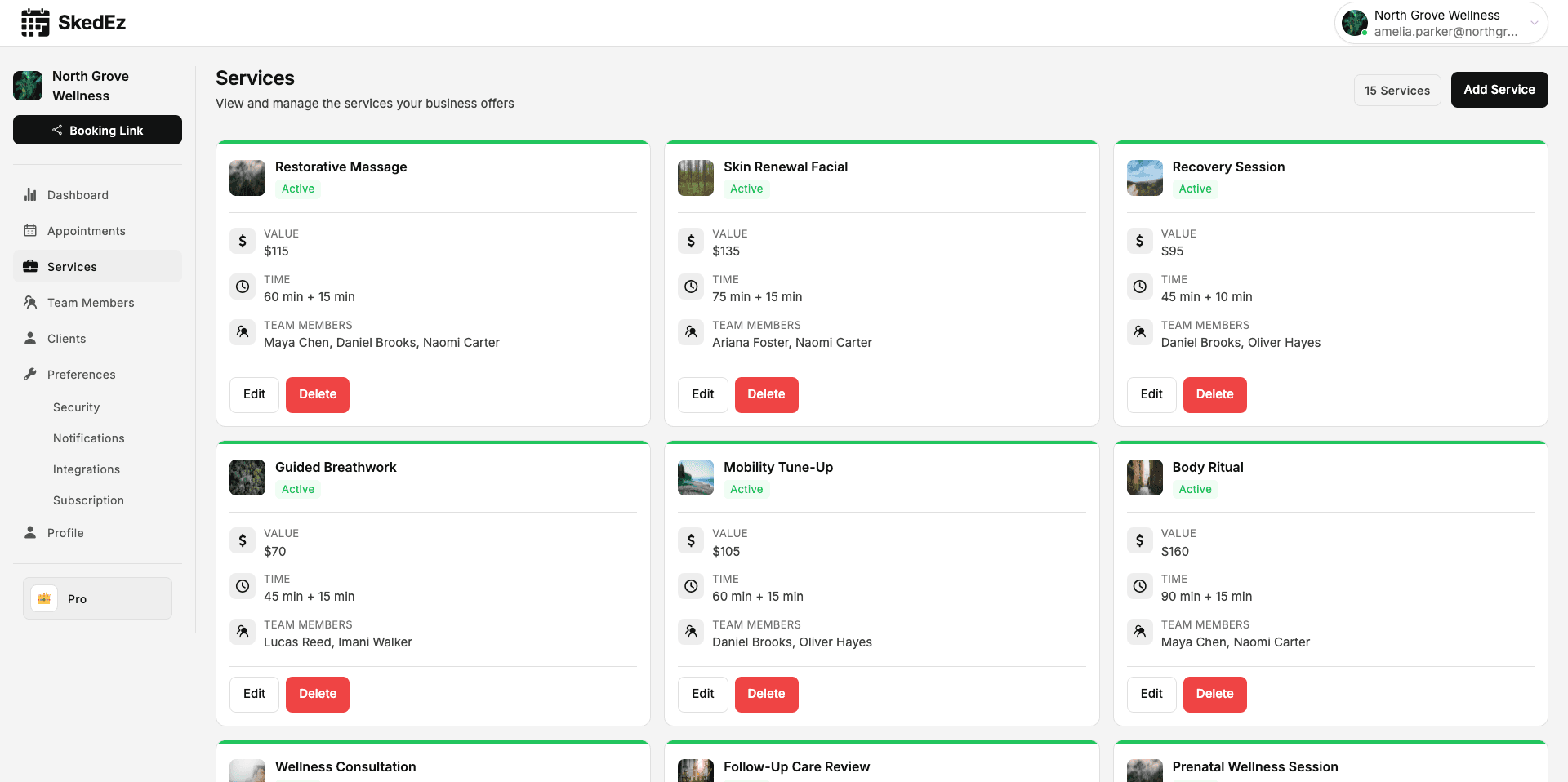
Online sessions with their own Meet link
When a client books an online appointment, SkedEz adds a Google Meet link. It travels with the booking details, so you do not need to send it separately.
- Meet link created automatically
- Included in the booking details
- Clients only need a browser
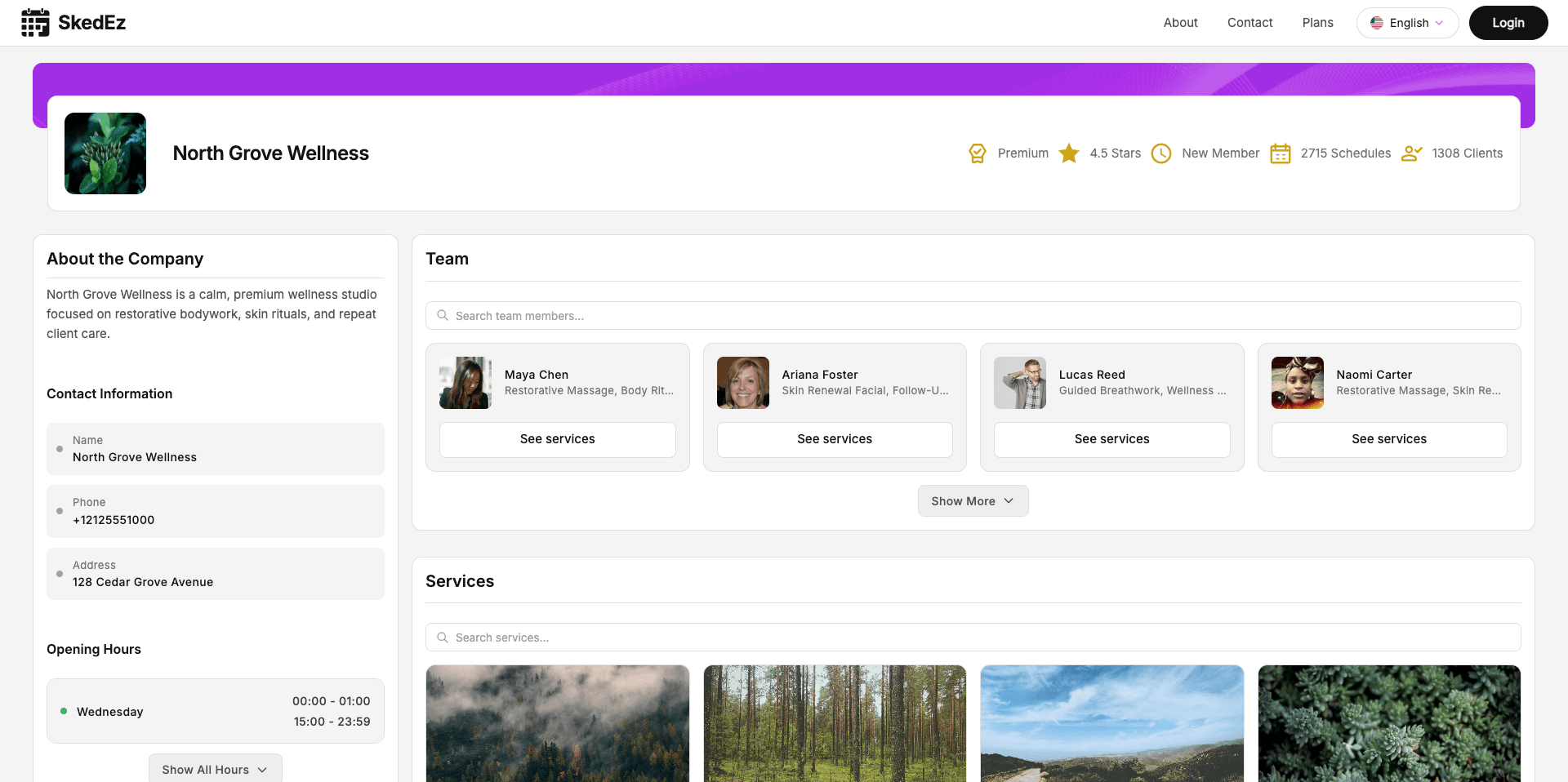
Clear availability, no surprises
The sync runs from SkedEz to Google, not the other way round. Your open slots come from your hours and bookings in SkedEz, so block time there.
- One way: SkedEz to Google
- Hours controlled in SkedEz
- Block time from your schedule
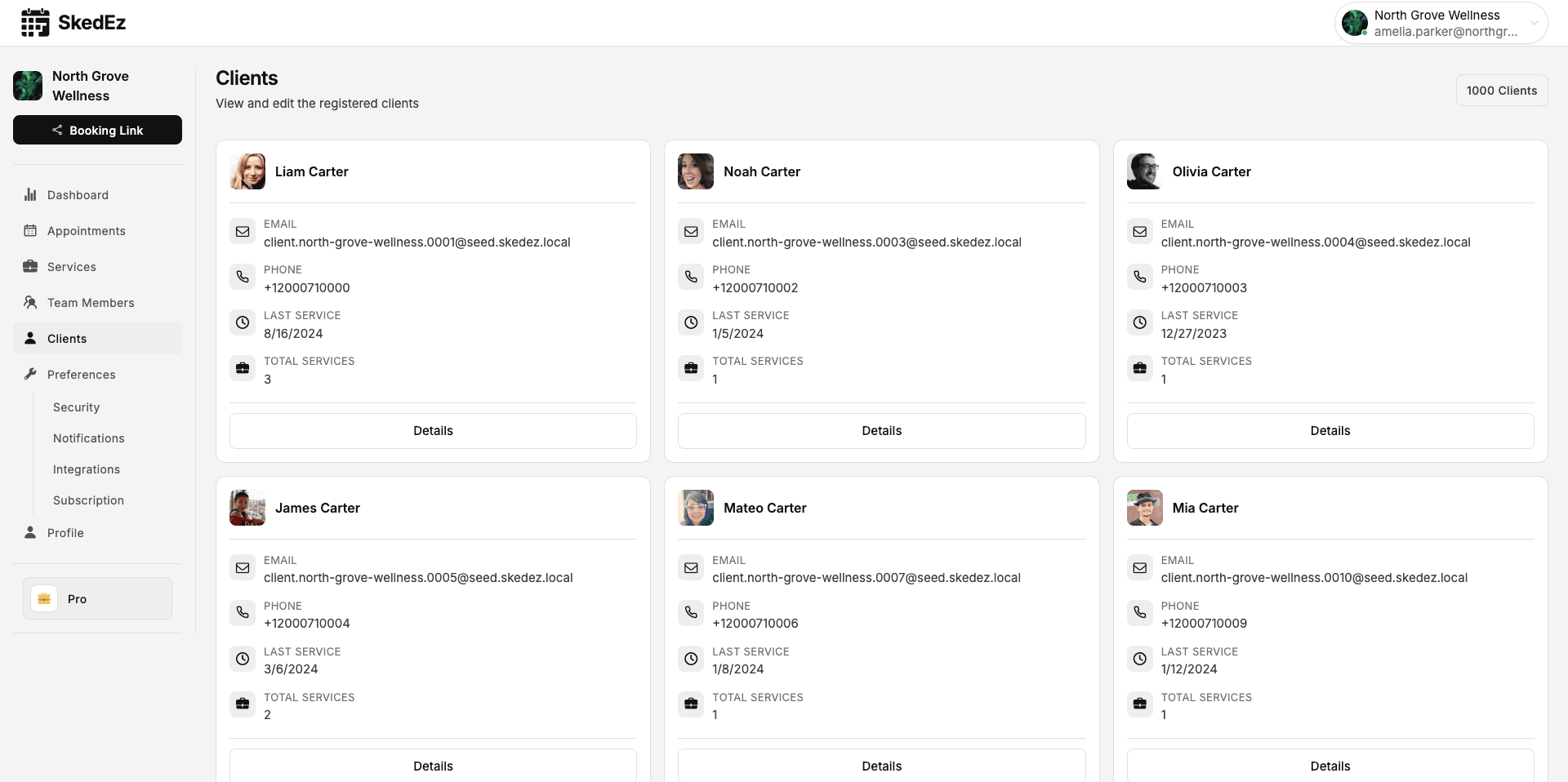
How it works
Start taking bookings in three steps
Add your services and hours
Set up each service with its length and each team member's working hours.
Share or embed your page
Put the link on Instagram, Google or WhatsApp, or embed it on your website.
Get bookings with reminders
Bookings land in your calendar, clients get email reminders on every plan, and WhatsApp on Pro and Teams.
Businesses that use this feature
Why SkedEz
What SkedEz gives you from day one
A clear, fixed price
Pro €9.90 a month. Teams €14.90 a month for up to 20 people.
No commissions
Nothing per booking or per new client, and no marketplace to lock you in.
Email and WhatsApp reminders
Email confirmations and reminders on every plan; WhatsApp on Pro and Teams, with no separate message bundles.
On your website or a link
Embed the booking page on any website, on every plan including Free.
6 languages
Clients book in their own language and time zone.
Ready in an afternoon
Add services and hours, share the link and start taking bookings.
Fixed-price plans, no commissions
A fixed price per business, in your currency. We charge no commission per booking or per client.
Free
€0.00
No trial needed. The Free plan stays free, and you can upgrade whenever you're ready.
Start free
Features
- Team membersNot included
- ServicesLimited
- Monthly schedulesLimited
- Custom working hours per team memberNot included
Pro
Fits this case€9.90
/ month15-day free trial, then €9.90 / month. Cancel any time before it ends.
Start 15-day trial
Features
- Team membersNot included
- ServicesIncluded
- Monthly schedulesIncluded
- Custom working hours per team memberNot included
Teams
€14.90
/ month15-day free trial, then €14.90 / month. Cancel any time before it ends.
Start 15-day trial
Features
- Team membersIncluded
- ServicesIncluded
- Monthly schedulesIncluded
- Custom working hours per team memberIncluded
Is SkedEz a fit for your business?
It fits if…
- You already run your life in Google Calendar and want bookings there.
- You hold sessions or consultations by video call.
- You work alone or with a team and Pro or Teams suits you.
It's not for you if…
- You need your Google events to block slots automatically.
- Your main calendar is Outlook or iCloud.
- You prefer Zoom or another video platform.
How do you get your bookings into Google Calendar?
Most professionals already live in one calendar: the dentist, the school run, the supplier meeting. If client appointments sit in a separate tool, you end up checking two screens and something slips.
Once Google Calendar is connected, every SkedEz booking appears there automatically and, if it is online, with its Meet link. Availability is still managed in SkedEz, where you set your hours and appointments.
Which plan includes Google Calendar and Google Meet?
Google Calendar and Meet come with Pro, at €9.90 a month or €99.00 a year, and with Teams, at €14.90 a month for up to 20 team members. The Free plan does not include them.
You need a Google account, and Google's own limits, such as meeting length, depend on your Google plan. Pro and Teams start with a 15-day free trial, or 30 days on annual billing.
Frequently asked questions
Will my personal Google Calendar events block booking times?
No. The sync is one-way: SkedEz adds your appointments to Google Calendar, but it does not read your personal events, so they do not block times on your booking page. Availability comes from the working hours and appointments in SkedEz. Keep your working hours up to date there, and you will still see client bookings and personal plans side by side in Google Calendar.
How do clients receive the Google Meet link?
When a client books an online appointment, SkedEz adds a Google Meet link to it automatically. The link is part of the appointment details the client receives, so they do not need a separate message from you. At the scheduled time, both of you open the same link. Clients only need a browser or the Google Meet app.
Do I need a paid Google account?
You need a Google account to connect Google Calendar and generate Google Meet links. Google offers both free and paid accounts, and their own limits, such as meeting length, depend on your Google plan, not on SkedEz. If you already use Google Meet for calls today, the same account usually works for your SkedEz online appointments.
Which SkedEz plans include the Google integration?
Google Calendar sync and Google Meet links are included on the Pro and Teams plans, not on the Free plan. Pro costs €9.90 per month or €99.00 per year, and Teams costs €14.90 per month for businesses with up to 20 team members. Depending on your country, prices may appear in another currency. Compare the plans on the pricing page before connecting your calendar.
Related pages
One week, one calendar, no copied links
Connect Google Calendar to see your SkedEz appointments there, add online services with Google Meet links and keep your working hours up to date.